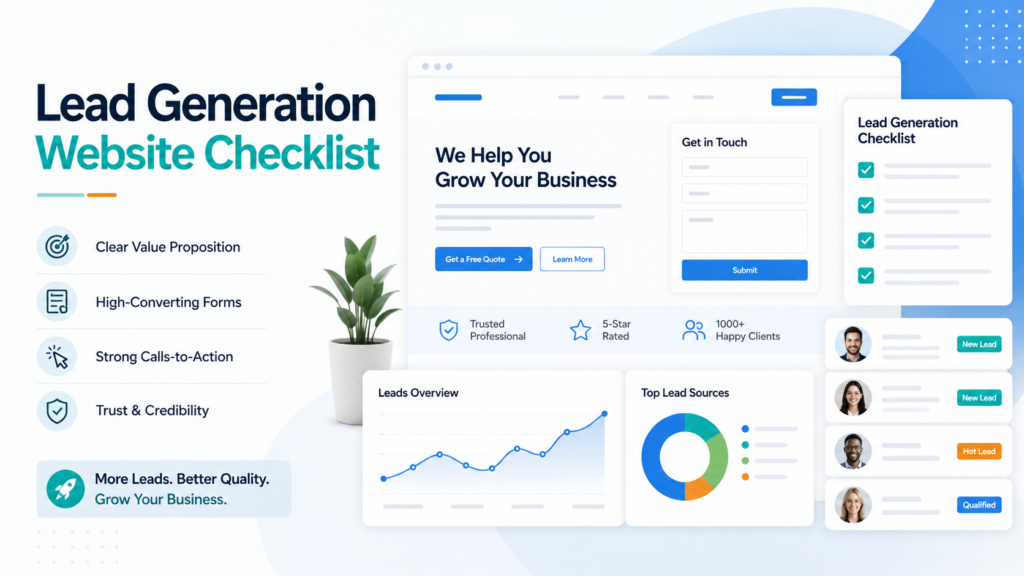
A service business website should do more than look professional. It should help the right visitors understand your offer, trust your business, and take the next step. If your website gets traffic but does not produce enough enquiries, the problem is usually not one single thing. It is often a mix of unclear messaging, weak calls to action, poor trust proof, slow pages, or broken lead tracking.
This lead generation website checklist is built for service businesses that want more qualified enquiries from their website without guessing what to fix first.
What Is a Lead Generation Website?
A lead generation website is designed to turn visitors into enquiries, consultation requests, calls, quote requests, bookings, or email subscribers. For service businesses, the website should clearly explain what you do, who you help, why you are credible, and how someone can contact you.
The goal is not only more form submissions. The real goal is better-fit leads from people who understand your service and are closer to making a decision.
1. Make Your Offer Clear Above the Fold
The first screen of your website should quickly answer three questions: what you do, who you help, and what result you help create. If visitors need to scroll too much or think too hard, many will leave before taking action.
Check your hero section for:
- A clear headline
- A short explanation of your service
- A visible primary call to action
- Trust signals or proof points
- Clean mobile layout
A good hero section should not feel like a puzzle. It should make the next step obvious.
2. Use Strong Calls to Action
Your call to action tells visitors what to do next. Many websites use weak or unclear buttons such as “Submit” or “Learn More” everywhere. A service business usually needs stronger action language.
Better CTA examples include:
- Book a Free Consultation
- Request a Website Audit
- Get a Project Estimate
- Plan My Growth Strategy
- Talk to a Specialist
Use one main CTA across the website so visitors see a consistent next step. Secondary CTAs can support visitors who are not ready yet, such as viewing case studies or reading service details.
3. Keep Lead Forms Simple
A lead form should collect enough information to qualify the enquiry without making the visitor feel overloaded. If the form is too long, people may leave. If it is too short, you may receive low-quality leads.
A good service business lead form may include:
- Name
- Phone or WhatsApp
- Website URL, if relevant
- Service needed
- Budget range, if useful
- Project message
Also make sure the form has spam protection, email delivery, lead storage, and a thank-you page. A broken form can quietly damage your business for weeks before anyone notices.
4. Add Trust Proof Near Conversion Areas
Visitors are more likely to enquire when they see proof near the decision point. Do not hide all testimonials or results at the bottom of the website. Place trust signals close to forms, CTAs, and service explanations.
Useful trust elements include:
- Testimonials with names and roles
- Case study metrics
- Before-and-after improvements
- Client industries served
- Founder or team credibility
- Clear policies
- Process transparency
If you have real project results, connect them to relevant services. For example, an SEO page can link to SEO-focused case studies, while a web development page can show redesign or performance improvements.
5. Build Dedicated Service Pages
Many service websites try to explain everything on one page. This makes it harder to rank and harder for visitors to find the exact service they need.
Dedicated service pages help visitors understand one offer at a time. They also give search engines clearer pages to index.
Each service page should include:
- What the service is
- Who it is for
- Problems it solves
- Your process
- Expected outcomes
- Related proof
- FAQs
- A clear CTA
For example, separate pages for SEO services, web development, and lead generation can perform better than one general services page.
6. Make Contact Options Easy to Find
Different visitors prefer different contact methods. Some want to fill a form. Some prefer WhatsApp. Some want to book a call. Some only want to check your email first.
Your website should make contact easy without feeling pushy.
Good contact options include:
- Contact form
- Phone or WhatsApp CTA
- Calendar booking link
- Email address
- Contact page
- CTA in header and footer
Make sure the contact page is not the only place where visitors can convert. Add conversion points naturally throughout the site.
7. Improve Page Speed
Slow websites lose leads. Visitors may leave before the form loads, especially on mobile. Page speed also affects user experience and can support SEO performance.
Speed checklist:
- Compress images before upload
- Use properly sized images
- Remove unnecessary plugins
- Use caching
- Avoid heavy scripts above the fold
- Test mobile performance
- Fix layout shifts
For service businesses, speed is not only a technical detail. It directly affects how many people stay long enough to contact you.
8. Track Where Leads Come From
If you do not track leads properly, you cannot know which marketing channels are working. A professional lead generation website should capture source information where possible.
Tracking items to set up:
- GA4 or analytics tracking
- Conversion events
- UTM parameters
- Lead source capture
- Thank-you page tracking
- Search Console
Tracking helps you understand whether enquiries come from SEO, ads, social media, referrals, email, or direct visits. This makes future marketing decisions much smarter.
9. Use Helpful Content to Support Leads
Not every visitor is ready to contact you immediately. Helpful content gives them a reason to stay, trust your expertise, and return later.
Blog posts, guides, checklists, comparison pages, and FAQs can support both SEO and lead generation when they are connected to your services.
Useful content types include:
- Service checklists
- Problem-solving guides
- Pricing explanation articles
- Case study breakdowns
- Local SEO pages
- FAQs
For example, a post about WordPress website redesign can support web development leads, while a post about SEO fixes for small businesses can support SEO enquiries.
10. Test the Full Lead Journey
Do not only check if the website looks good. Test the full path from visitor to lead.
Lead journey testing checklist:
- Open the website on mobile
- Click the main CTA
- Fill out the lead form
- Confirm the thank-you page loads
- Check if the email notification arrives
- Check if the lead is stored
- Confirm tracking fires correctly
- Try the WhatsApp or booking CTA
This simple test can catch serious issues before real visitors are affected.
Final Word
A lead generation website is built with intention. It needs clear messaging, strong calls to action, simple forms, trust proof, fast performance, and proper tracking.
If your service business website is getting visitors but not enough enquiries, start with this checklist before spending more on ads or marketing.
Need help turning your website into a stronger lead generation system? Book a free consultation with Slay That Site and we will help you identify what to fix first.
FAQs
What makes a website good for lead generation?
A good lead generation website has clear messaging, visible CTAs, simple forms, trust proof, fast loading speed, dedicated service pages, and proper conversion tracking.
How many form fields should a lead form have?
Use only the fields needed to understand and qualify the enquiry. For many service businesses, five to seven fields is enough.
Do testimonials help lead generation?
Yes. Testimonials reduce doubt and help visitors feel more confident before contacting you, especially when they include names, roles, and specific results.
Should every service have its own page?
Usually yes. Dedicated service pages help visitors understand each offer clearly and give search engines more specific pages to rank.
How do I know which pages generate leads?
Use analytics, conversion tracking, UTM parameters, and lead source capture to understand which pages and channels produce enquiries.